Time & weather
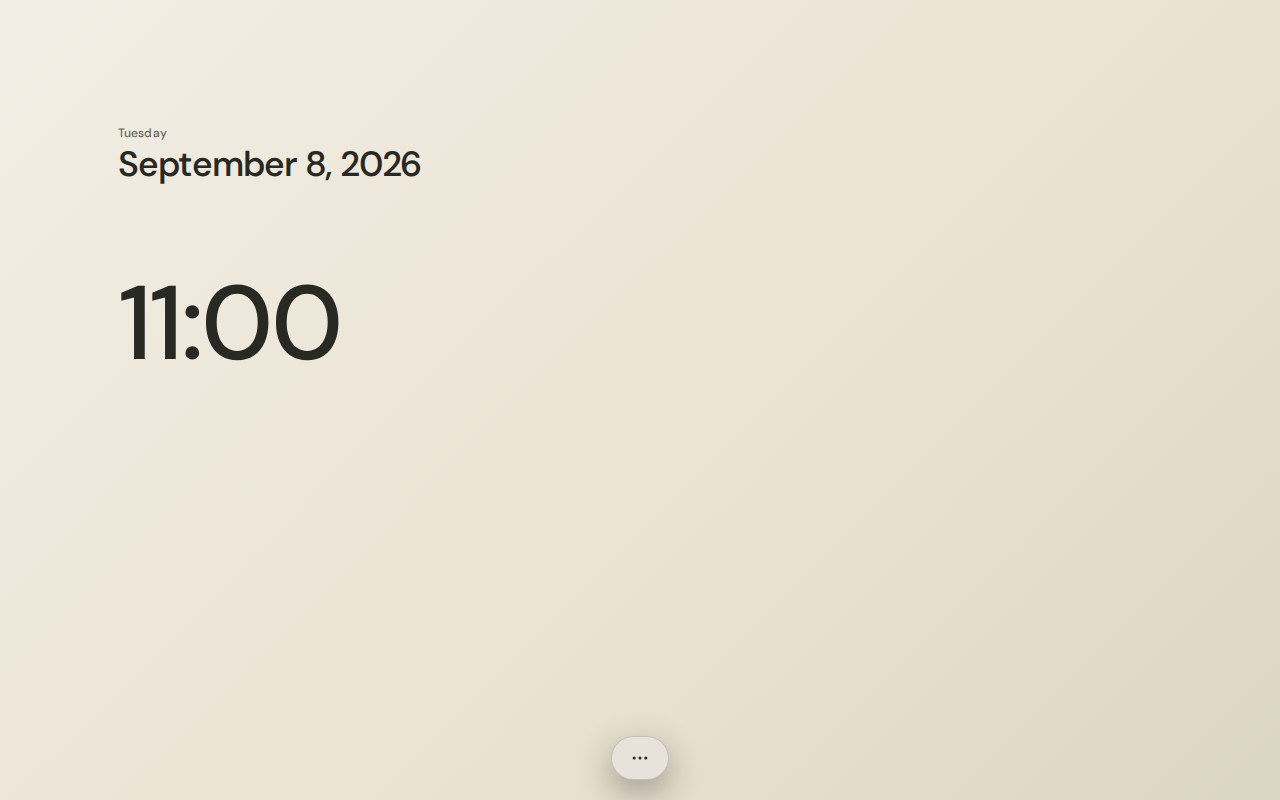
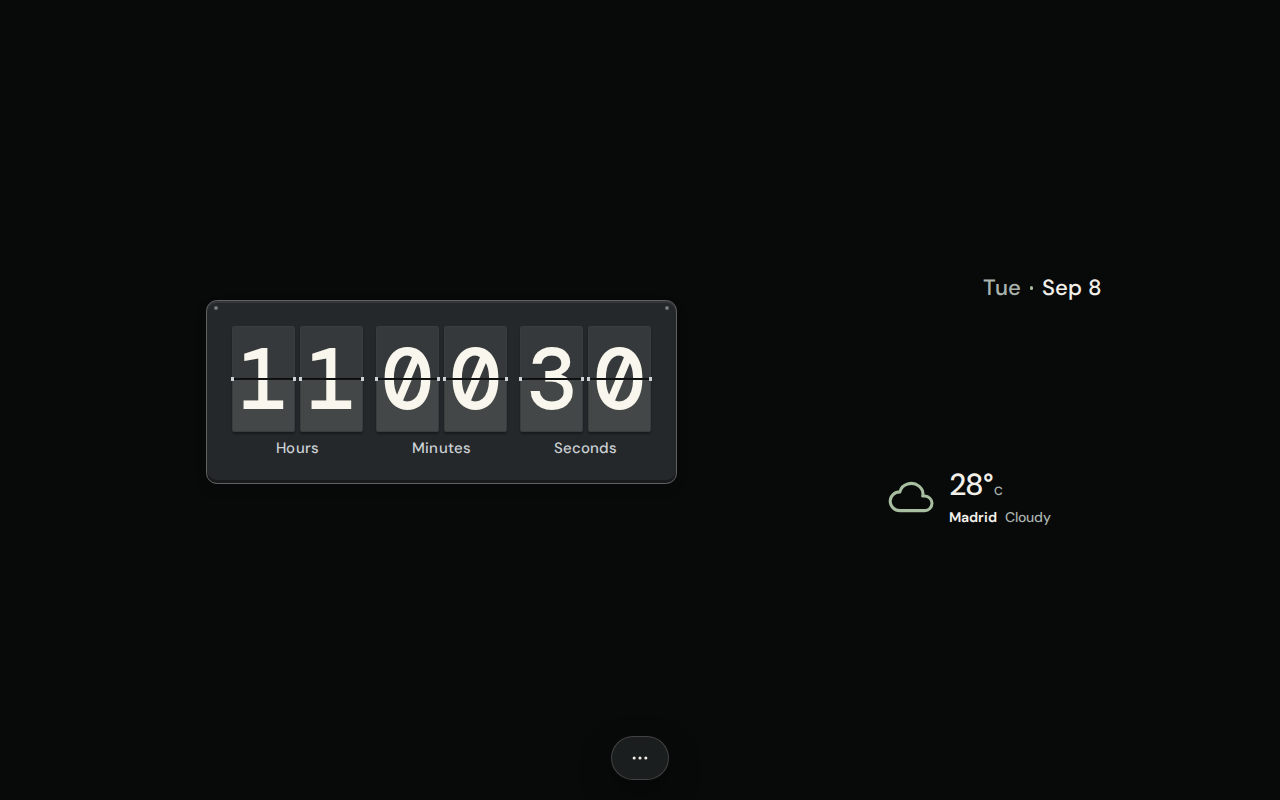
Digital, analog, flip and split-flap clocks. Dates, calendars with year, month, week and workweek views, and weather forecasts.
Your desktop, arranged.
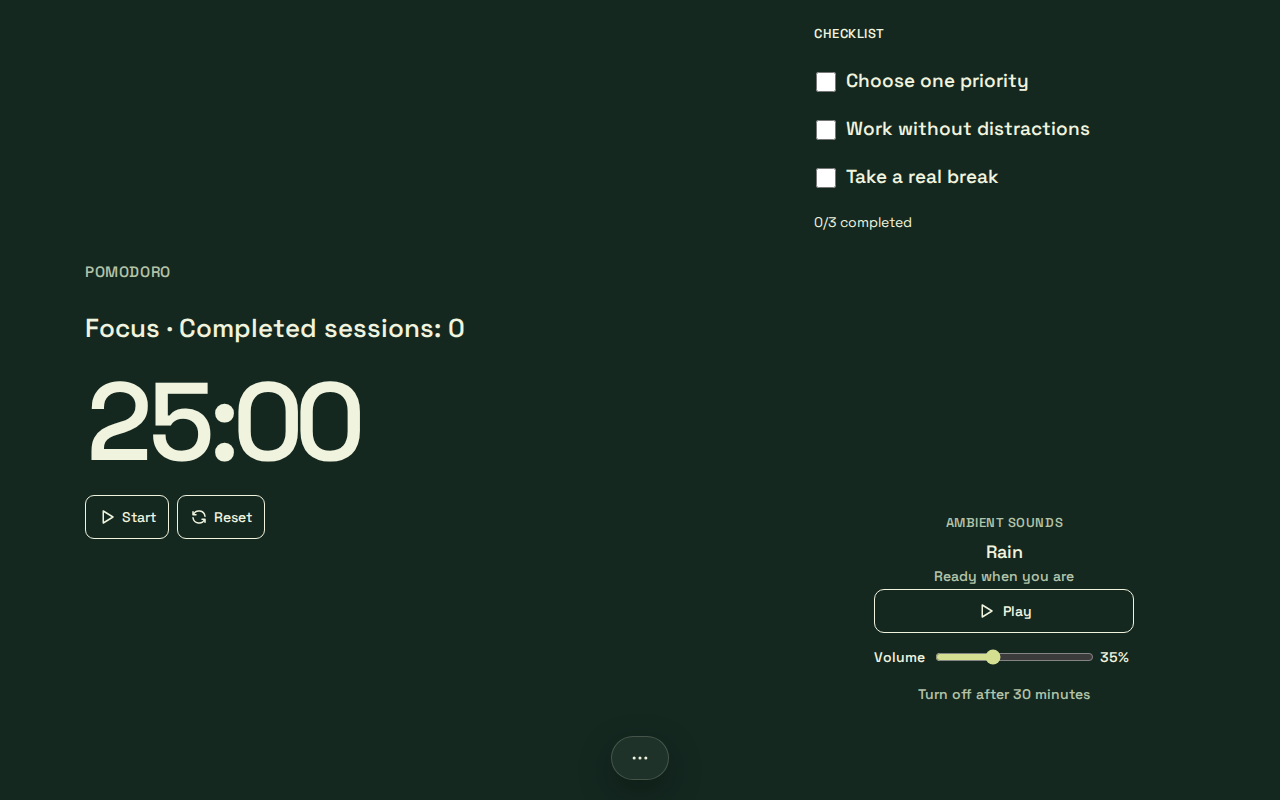
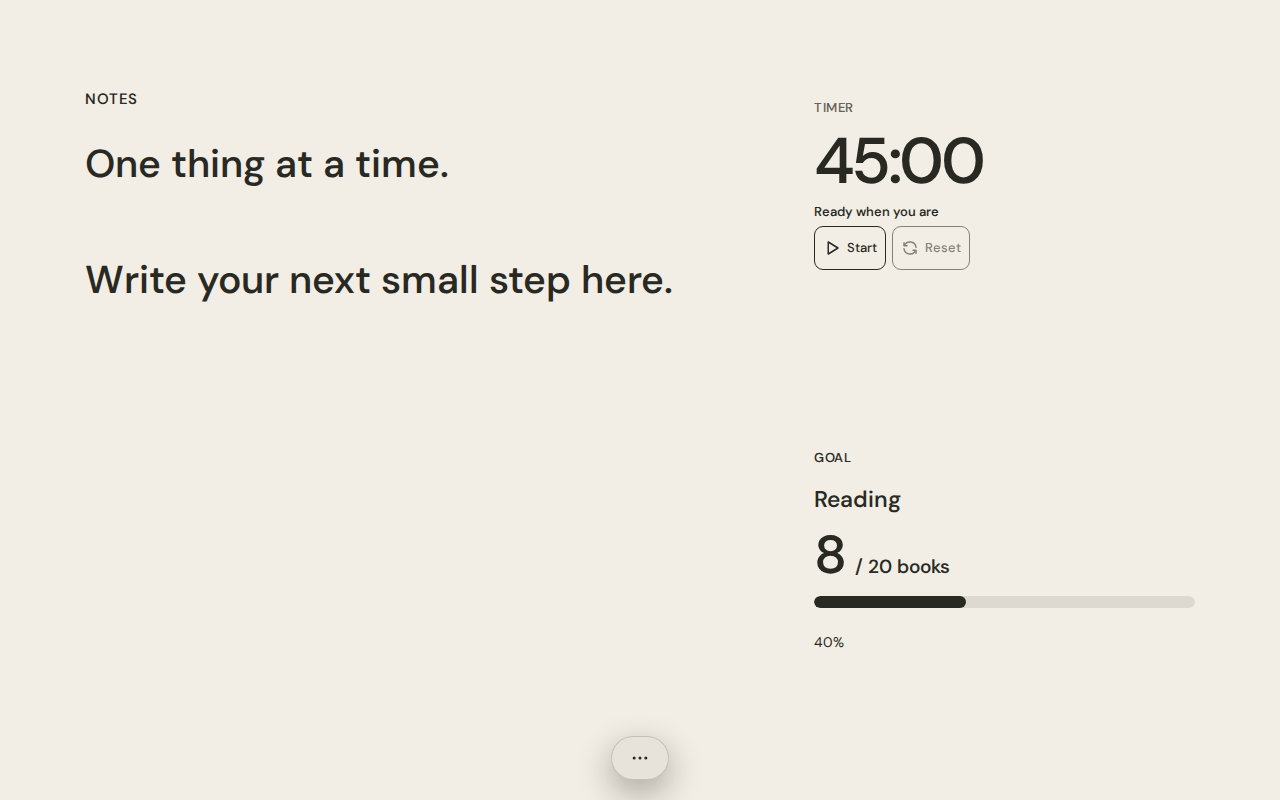
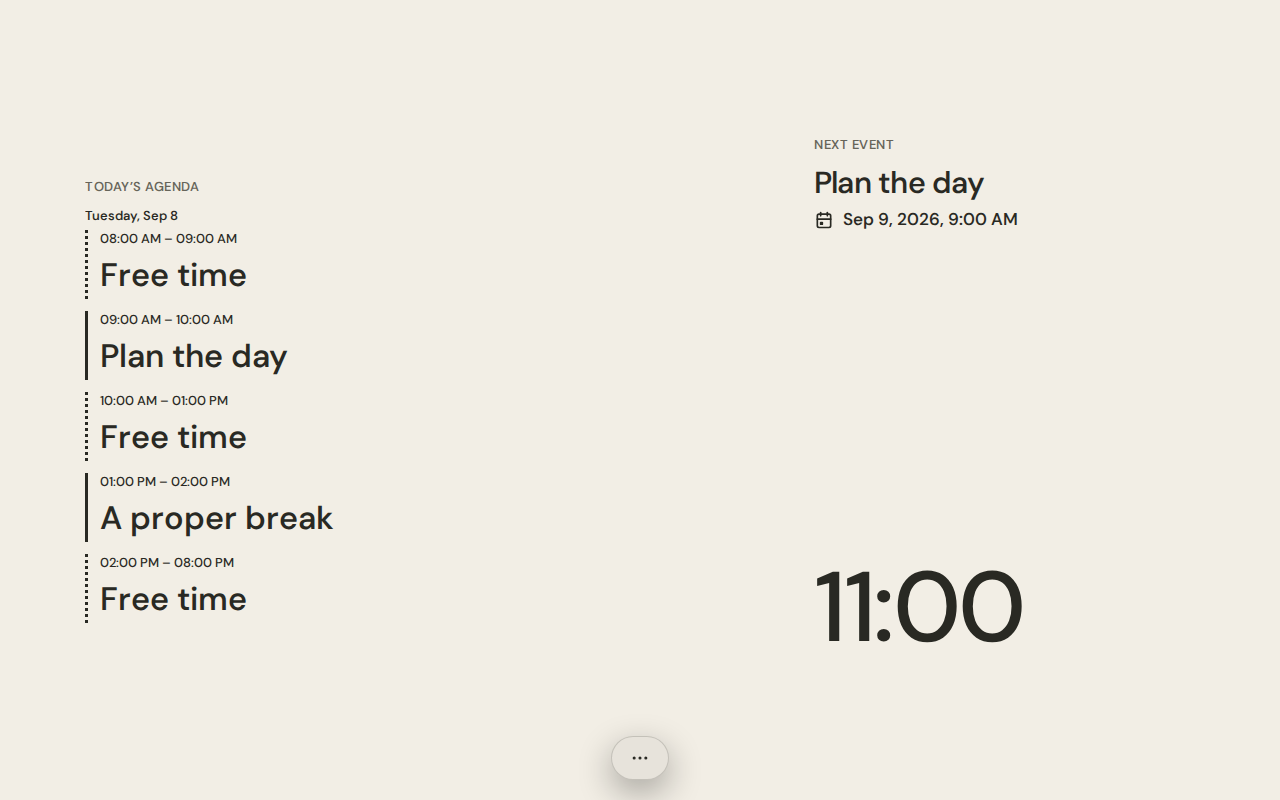
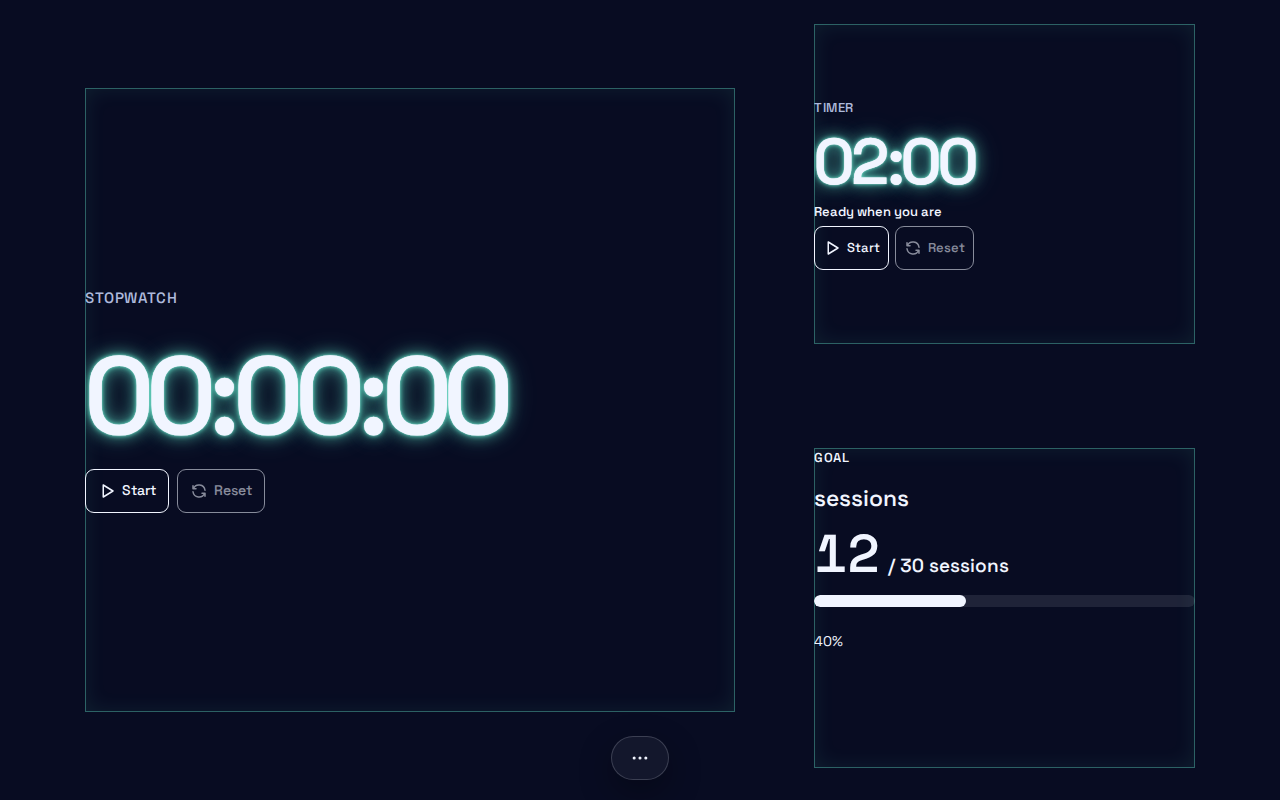
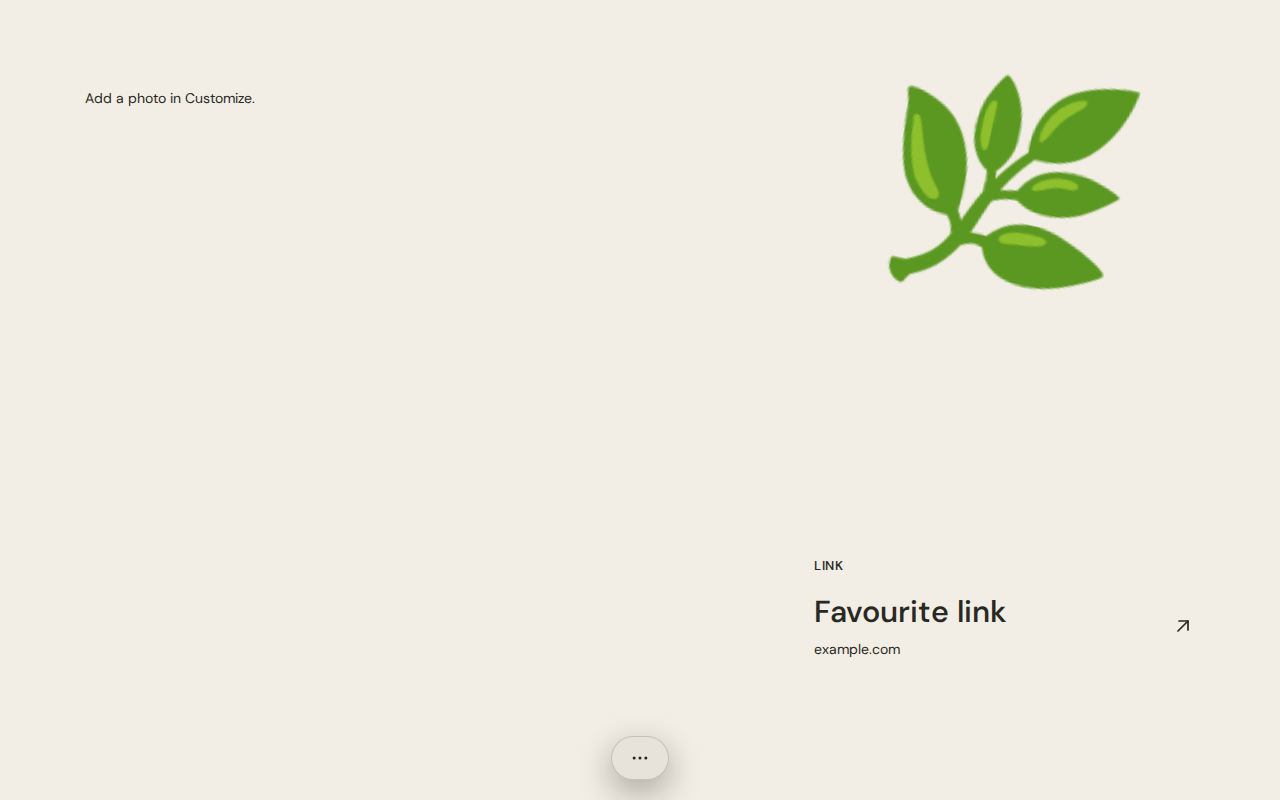
Bring clocks, notes, habits, a daily agenda and focus tools together on a screen that feels like yours.
Buvard
Built around your space
01
Arrange and layer widgets, lock them in place and adapt your composition to landscape or portrait screens.
02
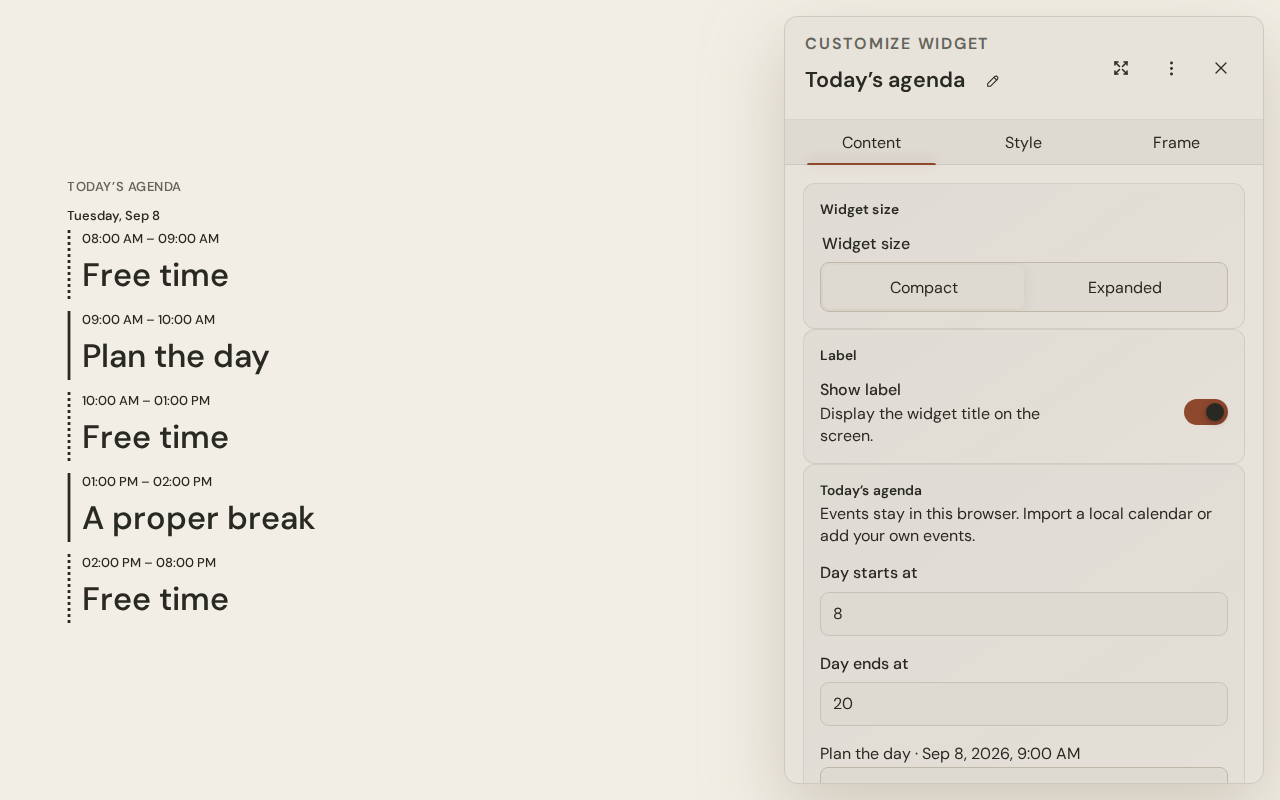
Start with Buvard Dark, Paper, Felt, Warm or Neon. Adjust typography, colors, backgrounds, borders, shadows and each widget’s style.
03
Switch between editing and the clean view mode. Use fullscreen and keep the screen awake on supported devices.
Start with Buvard Dark, Paper, Felt, Warm or Neon. Adjust typography, colors, backgrounds, borders, shadows and each widget’s style.
01
Explore built-in compositions for focus, study, wellbeing, goals, your day, training and more. Adapt them and save your own presets.
02
Save and restore your composition with .buvard files. Use local tools offline after the app is ready; weather needs a connection.
03
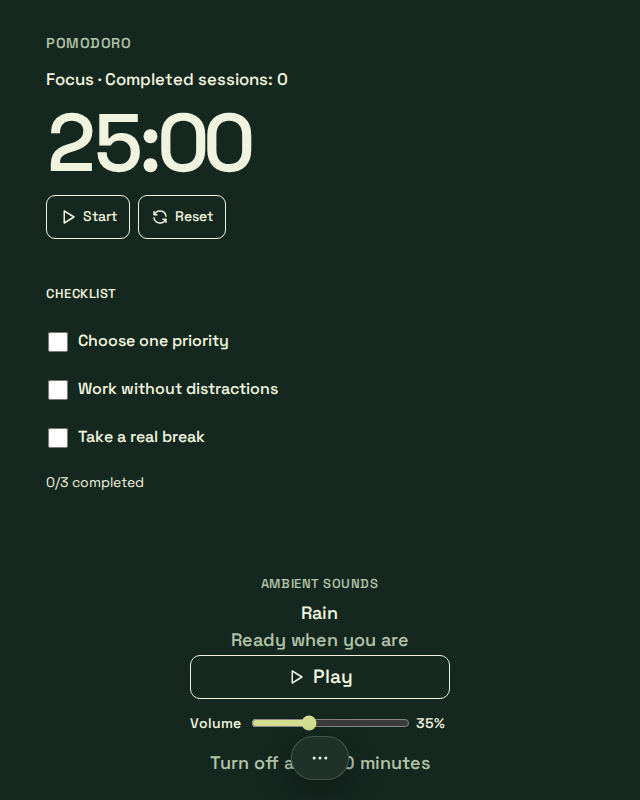
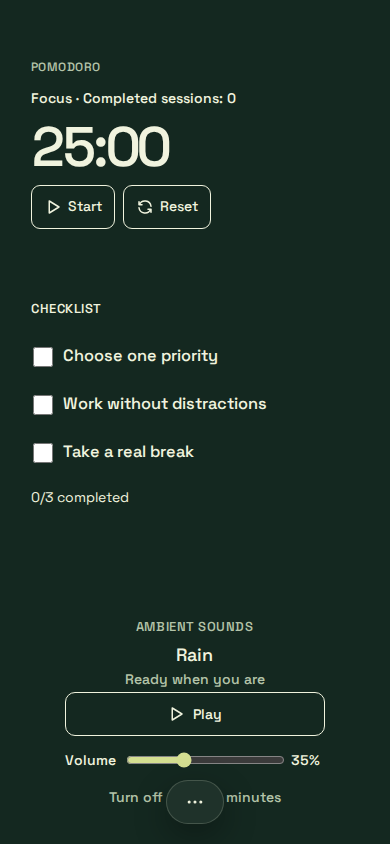
Keep Buvard close on a monitor, tablet or phone, including as a PWA.
Your space, your choice.
Use Buvard locally without signing in, or connect your account to sync your compositions across devices. You choose how to keep your space with you.
Sync, weather updates and location searches need a connection. You can also export your composition as a .buvard file.
Ready when you are
No sign-up. Start in the browser and shape it around what matters to you.